 SoundLuma
How to Make an Instrumental Song with AI
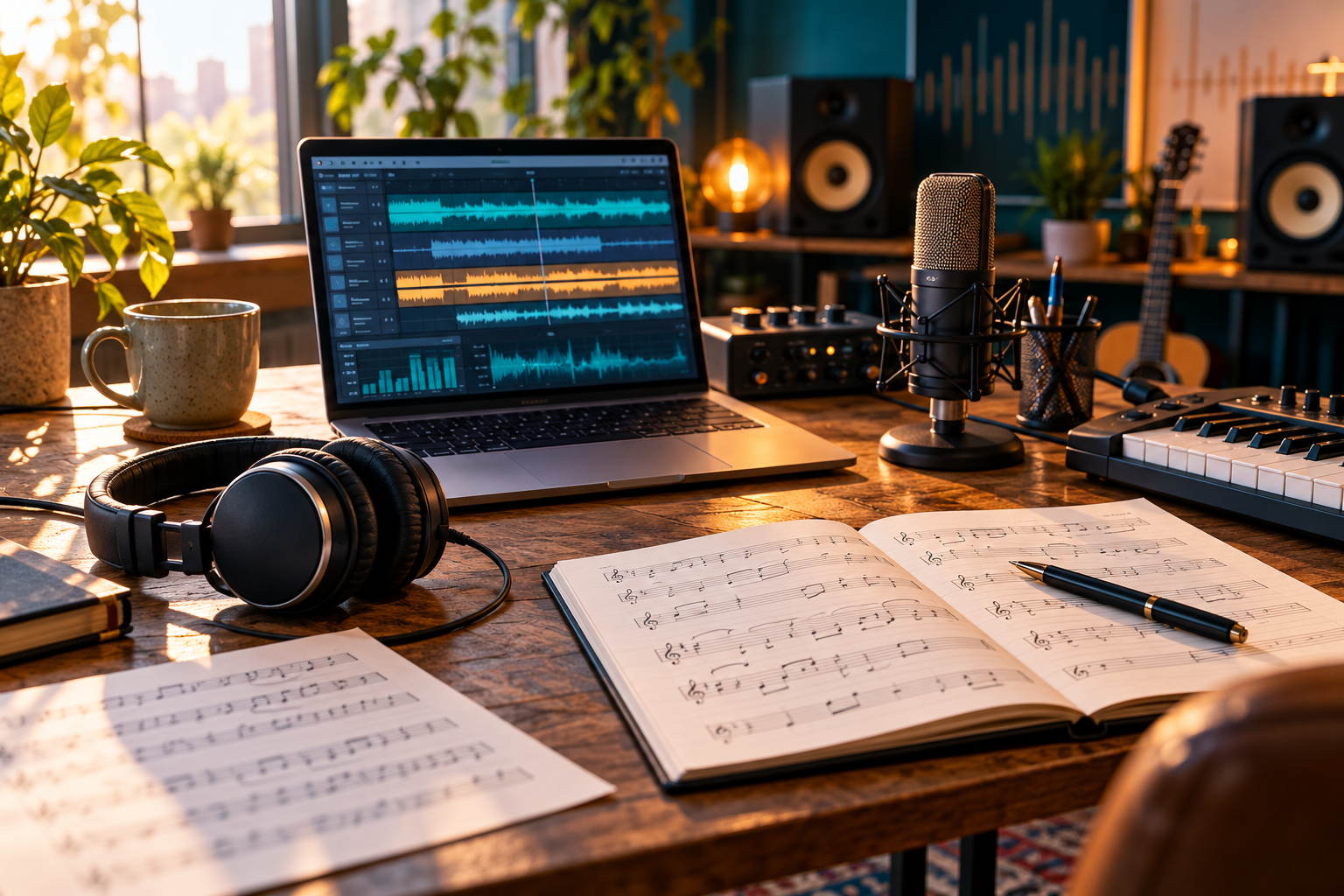
An instrumental AI song starts with a clear use case: background music for a video, a calm study track, a game cue, or a piece that should stand on its own. Describe the mood, energy, instruments and structure in plain language, then listen to the result before changing the prompt.
Start with where the music will be used
“Make an instrumental” leaves too many choices open. Add the setting and the job the music needs to do:
- quiet piano and soft strings for a reflective travel montage;
- upbeat electronic music for a product demo;
- warm acoustic guitar for a personal slideshow;
- restrained ambient pads under spoken narration.
The purpose controls how busy the arrangement should be. Music under a voiceover needs space; a standalone track can develop a stronger melody.
Describe five useful musical details
Use a short prompt with five parts: style, mood, instrumentation, energy and structure. For example:
Instrumental cinematic ambient music for a slow travel montage, with soft piano, warm strings and light percussion. Begin sparse, build gently in the middle, and leave room for narration throughout.
This is direction, not a guarantee. Generated results vary, so keep the prompt and compare revisions.
Use the instrumental mode when available
If the music workspace offers an instrumental setting, select it before generating. The prompt can reinforce “no vocals,” but a mode control is clearer than relying on a single phrase. SoundLuma supports instrumental music alongside songs and custom lyrics; playback and downloads happen after the generation task completes.
Change one thing at a time
When a result is close, revise one dimension:
- Too busy: reduce the number of instruments.
- Too dark: change the mood from tense to reflective or hopeful.
- Too slow: request a moderate or upbeat pulse.
- Not enough shape: add a quiet opening and a fuller final section.
- Too much melody under speech: request a sparse arrangement with space for narration.
Changing one detail makes it easier to hear what caused the difference. Save the prompt with the track so a good result can be reproduced or adapted later.
Review the result before using it
Listen from the beginning, middle and end. Check whether the track supports the intended scene, whether the energy changes at useful moments, and whether any accidental vocal or distracting sound appears. A generated track can be musically pleasant and still be wrong for a particular edit.
Download the completed track promptly and keep its prompt, date and intended use in your project notes. Provider availability and output details can change.
A practical prompt template
Use this template as a starting point:
Instrumental [style] for [use case], with [main instruments].
Keep the mood [mood] and energy [energy]. Begin [opening],
develop [middle], and finish [ending]. Leave room for [voiceover/dialogue]
and avoid vocals.
For more personal songs with words, see the lyrics-to-song guide. For a memory-driven song, use the story-to-song guide.
Conclusion
The best instrumental prompts are specific enough to establish a purpose and open enough to leave room for musical interpretation. Start with the use case, name a few sounds, choose the mood and energy, then revise one detail after listening. Use the instrumental setting when available, review the finished track in context, and keep the prompt with the downloaded result.